Make Sorweb your default search engine
Every search from your address bar, without anyone keeping a record of it.
Search the web. Leave no tracks.
We don't log what you search, and the sites you visit aren't told what you searched for.
No accounts, no cookies, no history on our side. Settings stay in your browser.
Press / to search, use ! shortcuts to jump straight to other sites.
Search with Sorweb, then browse with Sorrel Browser. Both are free, and neither one tracks you.
Every search from your address bar, without anyone keeping a record of it.
It blocks trackers on every site, sends no usage data, and keeps developer tools one click away.
Download browserhttps://sorrel-search.onrender.com/search?q=%s
Sorrel Browser
Free for Windows. Pages look exactly as they do in Chrome, without the trackers following you around.
| Feature | Chrome | Sorrel |
|---|---|---|
| Blocks third-party trackers by default | None | Included |
| Sends no usage data home | None | Included |
| Shows pages exactly as Chrome does | Included | Included |
| Private tabs that forget everything | Included | Included |
| Lists your running dev servers on the new tab page | None | Included |
Type 3000 to open localhost:3000 | None | Included |
| Checks a page's security headers in plain language | None | Included |
| Shows JSON as a tree you can fold | Limited | Included |
| Boosts YouTube volume up to 2× | None | Included |
Compared using each browser's default settings, without extensions. Correct as of October 2026.
A browser made to protect you and help you work, not to learn about you.
Sorrel Browser is available for
WindowsPrivacy
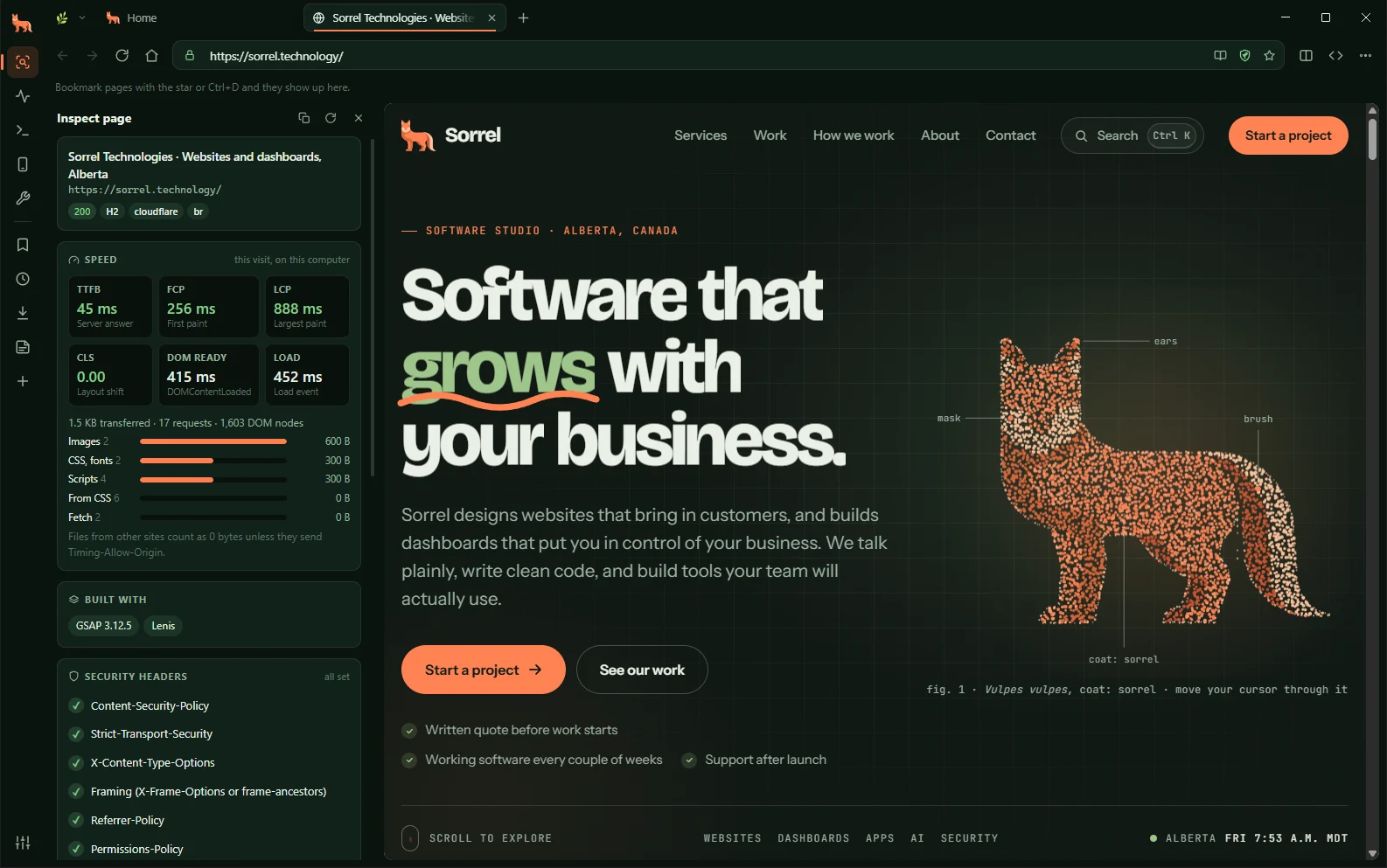
A tracker blocker runs on every site, stopping analytics, advertising and fingerprinting scripts before they load. If a site breaks, the shield in the address bar turns it off for just that site.
Inspect
Open the Inspect panel for speed timings, page weight by file type and the frameworks a site is built with. Security headers are checked one by one, with what each is for.
Network
Status, size, time and a waterfall for every request. Filter by type, read the response headers, and copy any request as cURL or fetch().
await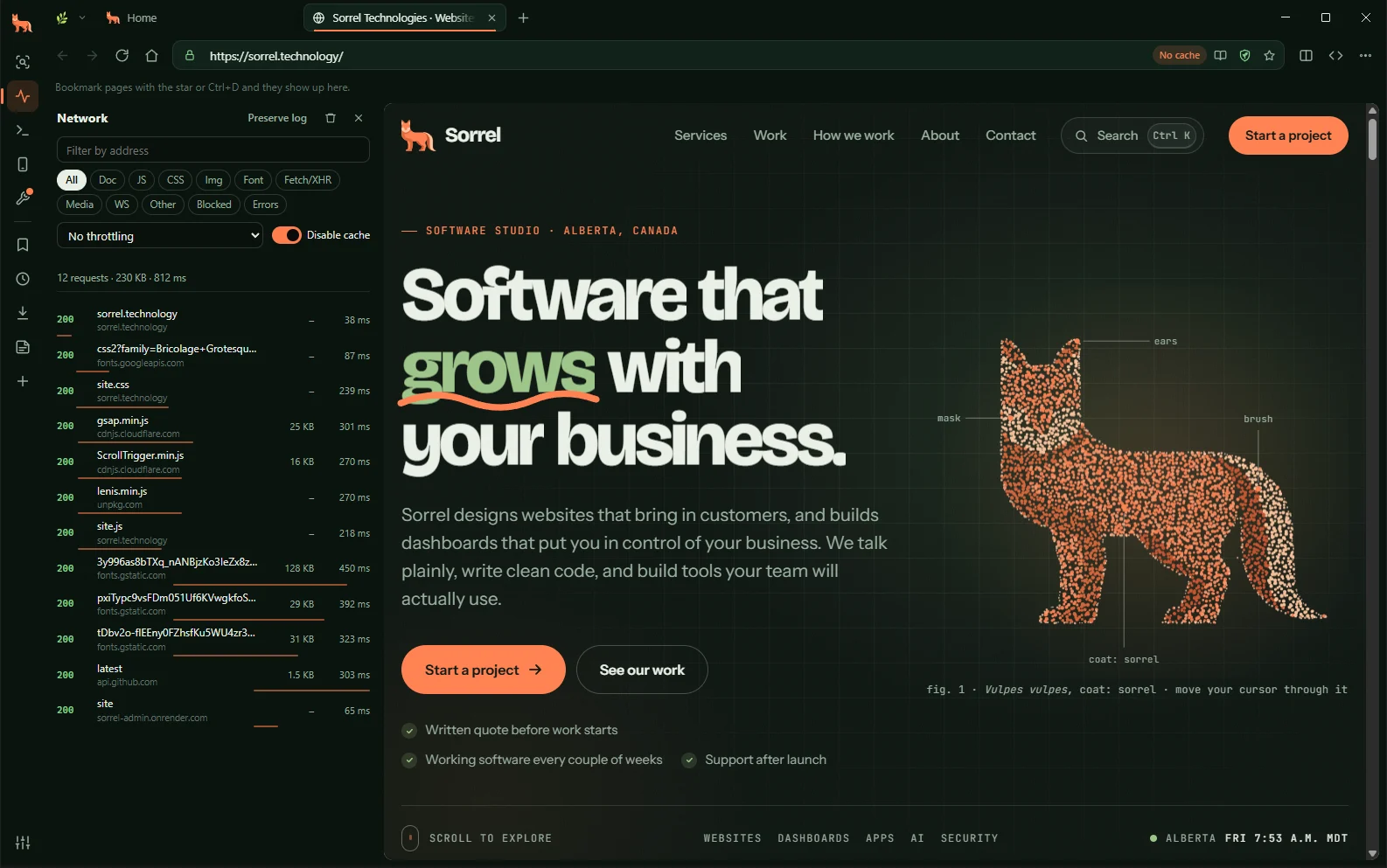
Devices
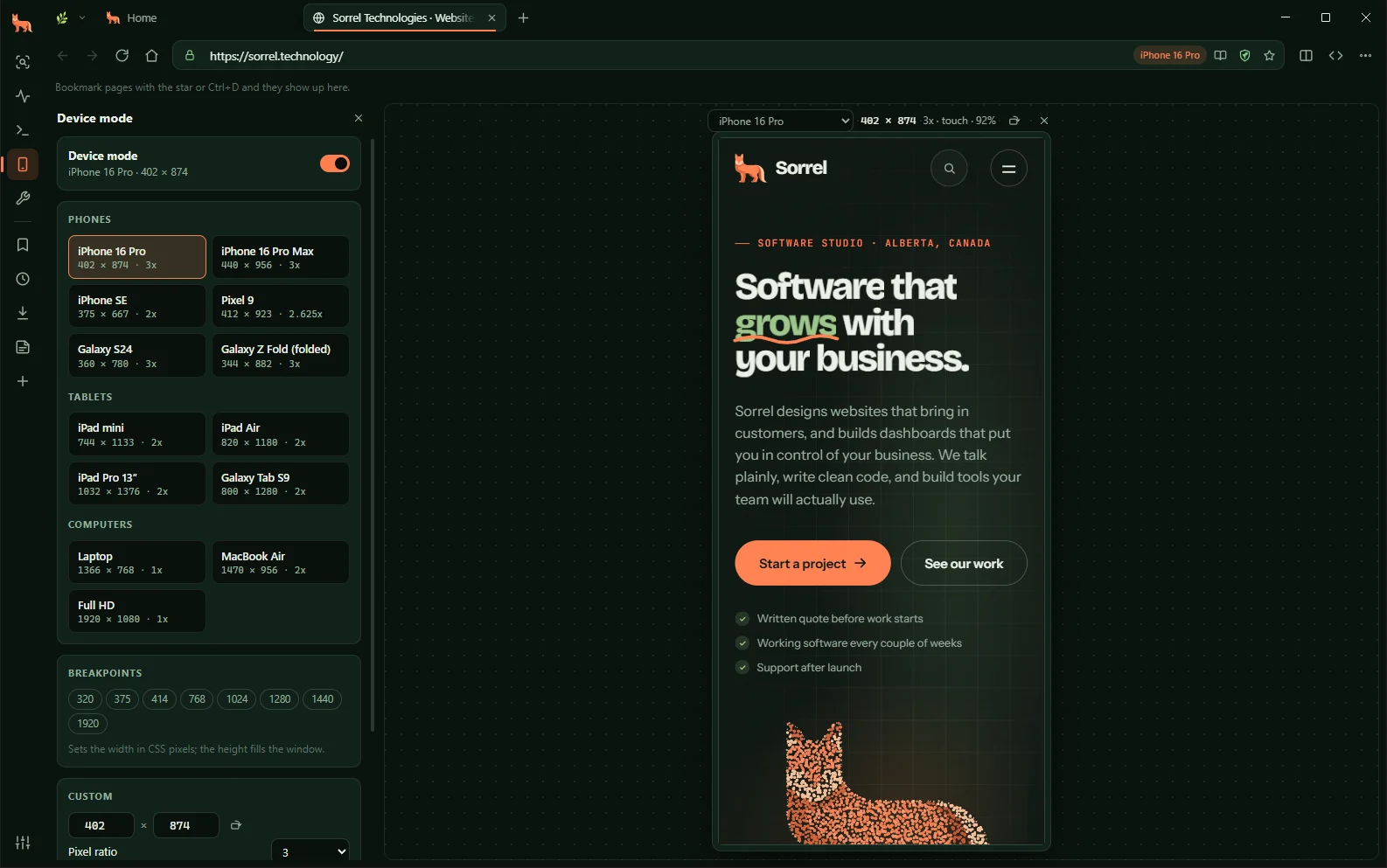
Device mode lays the page out at its real size for phones, tablets and laptops, with the right pixel ratio, touch events and user agent.
Localhost
Type 3000 or :5173/admin to open localhost. The new tab page lists the dev servers running on your computer, and if a server is down, its tab waits and loads the moment it's back.
fetch()Free, private, and ready for whatever you're building.
Download for WindowsYes. It's free to download and use, with no account and no subscription.
No. It sends no usage data. Your history, bookmarks and settings are saved on your computer, and its tracker blocker stops analytics and advertising scripts on the sites you visit.
No. Sorrel Browser is built on Chromium, the same engine as Chrome, Edge and Brave, so pages look and work the same.
Yes. It has tabs, bookmarks, history, downloads and private tabs, "Sign in with…" pop-ups work as they should, and your last session's tabs come back when you reopen it.
Windows, for now. The installer and every earlier version are on GitHub (opens in a new tab).
Sorweb doesn't log what you search, build a profile of you, or tell the sites you visit what you searched for. Results are fetched by our server, so the companies behind them never see who you are.